
Add Semantic Search to OpenClaw Memory and Markdown Archives
Add semantic search to OpenClaw memory and markdown archives with embeddings, chunking, hybrid retrieval, and a developer-friendly indexing workflow.

Jean-Elie Lecuy
|Founder of ClawRapid
SaaS builder writing about OpenClaw, AI agents, and agentic coding, with one goal: make powerful tooling actually usable.
Semantic search is not a productivity promise. It is a retrieval layer.
That sounds obvious, but a lot of content about “memory” drifts into vague claims about remembering everything. What you actually need here is much more specific: a way to index markdown archives so queries can match by meaning, not just by exact words.
If your OpenClaw setup already stores conversations, decisions, notes, or logs as files, semantic search gives you a better way to retrieve those files. It does not replace the source archive. It does not turn your notes into a knowledge base by itself. It adds an index on top of what you already have.
If you want personal capture, go to the second brain guide. If you want ingestion of docs, URLs, and team reference material, go to the knowledge base guide. This page is for the technical layer underneath retrieval.
When keyword search stops being enough
Plain search works until your archive becomes inconsistent.
You search for “caching,” but the note says “Redis for session store.” You search for “onboarding,” but the decision was logged as “reduced first-run setup.” You search for “handoff,” but the relevant chunk says “assigned to support after qualification.”
At that point, the problem is not storage. The problem is recall quality.
Semantic search helps because it indexes chunks by meaning as well as words. That gives you:
- better recall over uneven wording
- ranked results instead of a flat grep dump
- a reusable index that can support agents, dashboards, and scripts
- lower context waste, because you retrieve only the relevant chunks
This is especially useful for developers and operators who already have the archive and want better retrieval without rewriting their entire workflow.
What the index does and does not do
The most important design rule is simple:
your files stay the source of truth
The semantic index is a derived layer built from those files. You can rebuild it, tune it, or delete it without changing the underlying archive.
That means:
- markdown files stay readable and portable
- the vector index can be regenerated anytime
- search quality can improve without migrating your notes
- your assistant can retrieve context without loading whole files into every prompt
It also means this page is different from the knowledge-base page. A knowledge base owns ingestion workflows and shared corpus design. Semantic search owns indexing, chunking, ranking, and retrieval behavior.
Architecture choices that matter
You do not need a giant stack, but you do need to choose a few things on purpose:
Chunking
Smaller chunks improve precision but can lose surrounding context. Larger chunks preserve context but can blur relevance.
As a practical starting point:
- 200 to 350 tokens for short notes and daily logs
- 400 to 800 tokens for longer docs and dev journals
Embeddings
You can use a hosted embedding provider for quality and speed, or a local model for privacy and control.
Retrieval strategy
Pure vector search is rarely the whole answer. Hybrid retrieval is usually stronger:
- dense vector search for meaning
- keyword search for exact names and terms
- a ranking merge step for final ordering
Sync model
Decide whether you want:
- manual re-indexing
- scheduled indexing
- file-watch sync for near-real-time updates
Those are implementation choices, not product messaging. They are what make this page useful to technical readers.
Step-by-step setup with memsearch
memsearch is a good fit for markdown-heavy OpenClaw archives because it is built for local files and hybrid retrieval.
Step 1: Install the tool
pip install memsearch
For a local-only setup:
pip install "memsearch[local]"
Step 2: Initialize configuration
memsearch config init
Pick:
- an embedding provider
- the vector database backend
- chunk size and overlap
For many personal setups, the defaults are fine. For privacy-sensitive setups, a local embedding option is often worth the speed trade-off.
Step 3: Index your memory directory
memsearch index ~/clawd/memory/
This should:
- scan your markdown files
- split them into chunks
- generate embeddings
- store the vectors
- skip unchanged content on later runs
Step 4: Query by meaning
memsearch search "why did we move to Redis for sessions?"
That query should still find relevant chunks even if the exact wording in the archive differs.
Step 5: Add ongoing sync
If the archive changes frequently, run:
memsearch watch ~/clawd/memory/
Or schedule a recurring index job if real-time sync is unnecessary.
Query patterns and ranking behavior
Good semantic search is not just about “find similar text.” It is about returning the right amount of context.
Useful query styles include:
- “Why did we choose X?”
- “What did we decide about Y?”
- “Where did we discuss Z?”
- “Show the last time we mentioned this integration.”
For each result, the ideal output includes:
- file path or source identifier
- chunk score
- short excerpt
- surrounding context when needed
That makes it easier to verify the hit before you pass it into an agent or a report.
Tuning quality: chunking, providers, and freshness
The first version rarely has the best settings.
You will usually adjust:
Chunk size
If results feel too vague, reduce chunk size. If results feel too fragmented, increase it.
Provider choice
Hosted models usually win on recall quality. Local models usually win on privacy and cost predictability.
Freshness rules
If the archive changes daily, stale indexes become a trust problem. File watching or scheduled re-indexing keeps retrieval reliable.
Hybrid weighting
If named entities matter a lot in your workflow, keyword matching should keep meaningful weight beside vector similarity.
This is why the page belongs to a technical retrieval cluster. These are implementation concerns, not generic “organize your knowledge” advice.
Where this fits in the broader OpenClaw stack
This page should sit cleanly beside the other related workflows:
- Second brain: capture personal notes and context
- Knowledge base: ingest and retrieve external or shared documents
- Project tracking: monitor statuses, decisions, blockers, and progress
Semantic search is the infrastructure layer that can improve recall inside some of those systems. It is not the editorial umbrella for all of them.
How ClawRapid makes this easier
The hard part is not installing a package. It is having a running OpenClaw setup with a real archive worth indexing.
ClawRapid gets you to that point faster:
- OpenClaw already deployed
- memory already being written
- a stable server where indexing jobs can run
- a clean path to add retrieval without rebuilding your workflow from scratch
That makes semantic search a practical upgrade instead of a side project.
FAQ
Does semantic search replace my memory files? No. It indexes them. The files remain the source of truth.
Do I need this before setting up a second brain? No. Start with capture first. Add semantic search when keyword search and simple recall start to feel weak.
How is this different from the knowledge base page? The knowledge base page is about ingesting docs and shared reference material. This page is about the technical retrieval layer over existing archives.
Should I use vector search alone? Usually no. Hybrid search tends to be more reliable in real archives because exact names and semantic similarity both matter.
Can I keep everything local? Yes. That is one of the main reasons to use a file-based archive plus a local retrieval stack.
What to build next
Once the retrieval layer works, the next move depends on your actual bottleneck:
- Build a second brain if you still need a better capture habit.
- Build a knowledge base if you need a searchable corpus of documents and URLs.
- Build project tracking if you need operational visibility over work, not just better retrieval.
Semantic search is strongest when it stays honest about its job: better indexing, better recall, and better retrieval over archives you already own.
Which agent do you want to deploy?
The battle-tested assistant, extensible with 16,000+ skills.
Which model do you want as default?
Low token prices with Max reasoning. You can also connect a ChatGPT subscription that includes this model.
You can switch anytime from your dashboard
Which channel do you want to use?
You can switch anytime from your dashboard
In 60 seconds, your AI agent is live.
Related articles
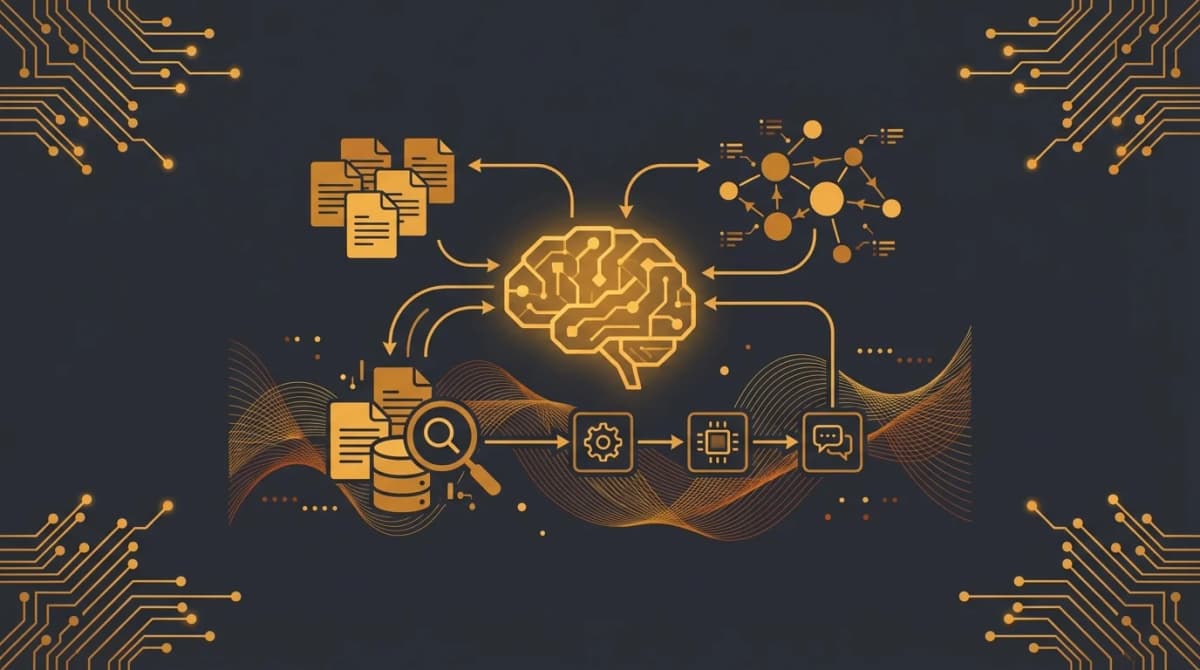
Build an OpenClaw Knowledge Base for Docs, URLs, and Internal Knowledge
Create an OpenClaw knowledge base for documents, URLs, FAQs, and internal knowledge, then retrieve answers with sources across a shared searchable repository.
Build a Personal Second Brain with OpenClaw: Capture First, Organize Later
Use OpenClaw as a personal second brain for fast note capture, saved links, reminders, and lightweight recall across your own messages and memories.
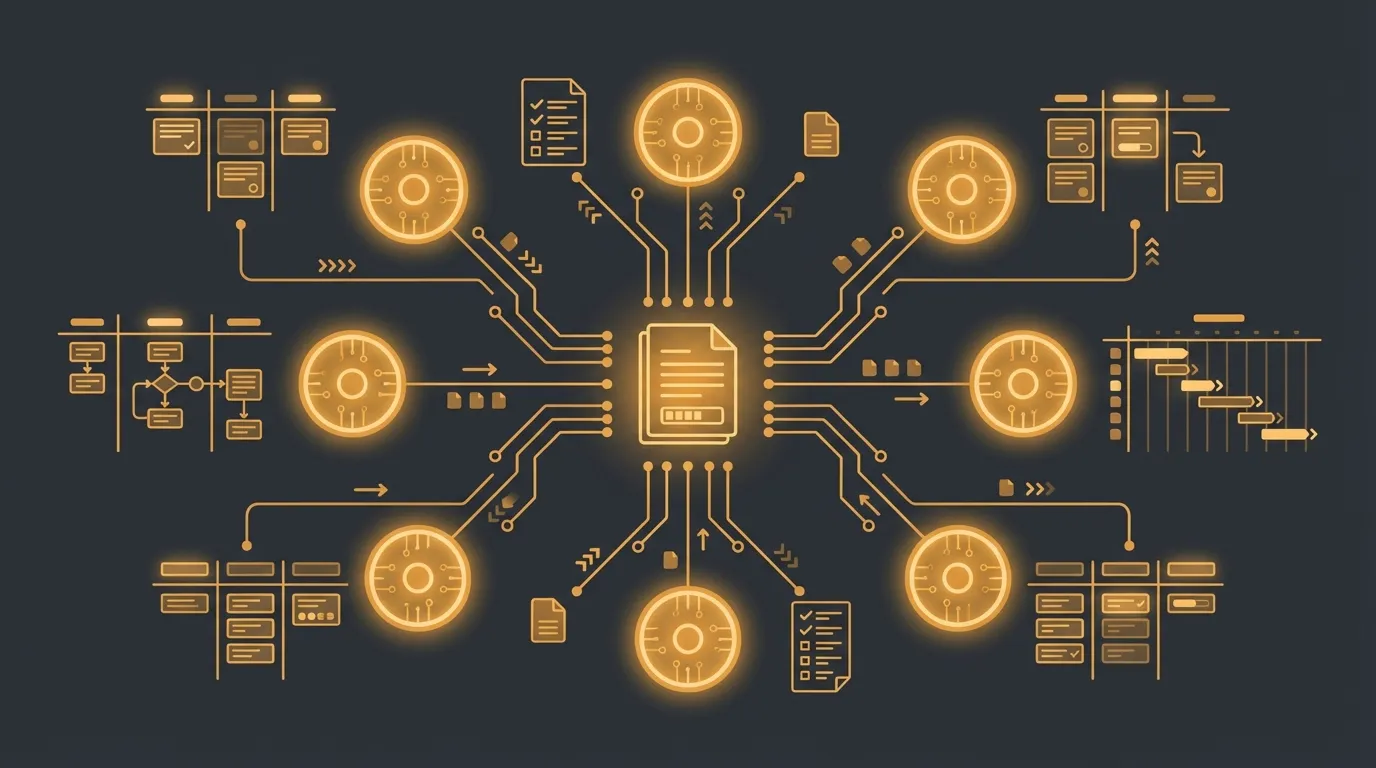
OpenClaw Project Management: Coordinate Planning and Multi-Agent Execution
Use OpenClaw for project management across multiple workstreams with planning, delegation, handoffs, and shared coordination through STATE.yaml.