
Build an OpenClaw Knowledge Base for Docs, URLs, and Internal Knowledge
Create an OpenClaw knowledge base for documents, URLs, FAQs, and internal knowledge, then retrieve answers with sources across a shared searchable repository.

Jean-Elie Lecuy
|Founder of ClawRapid
SaaS builder writing about OpenClaw, AI agents, and agentic coding, with one goal: make powerful tooling actually usable.
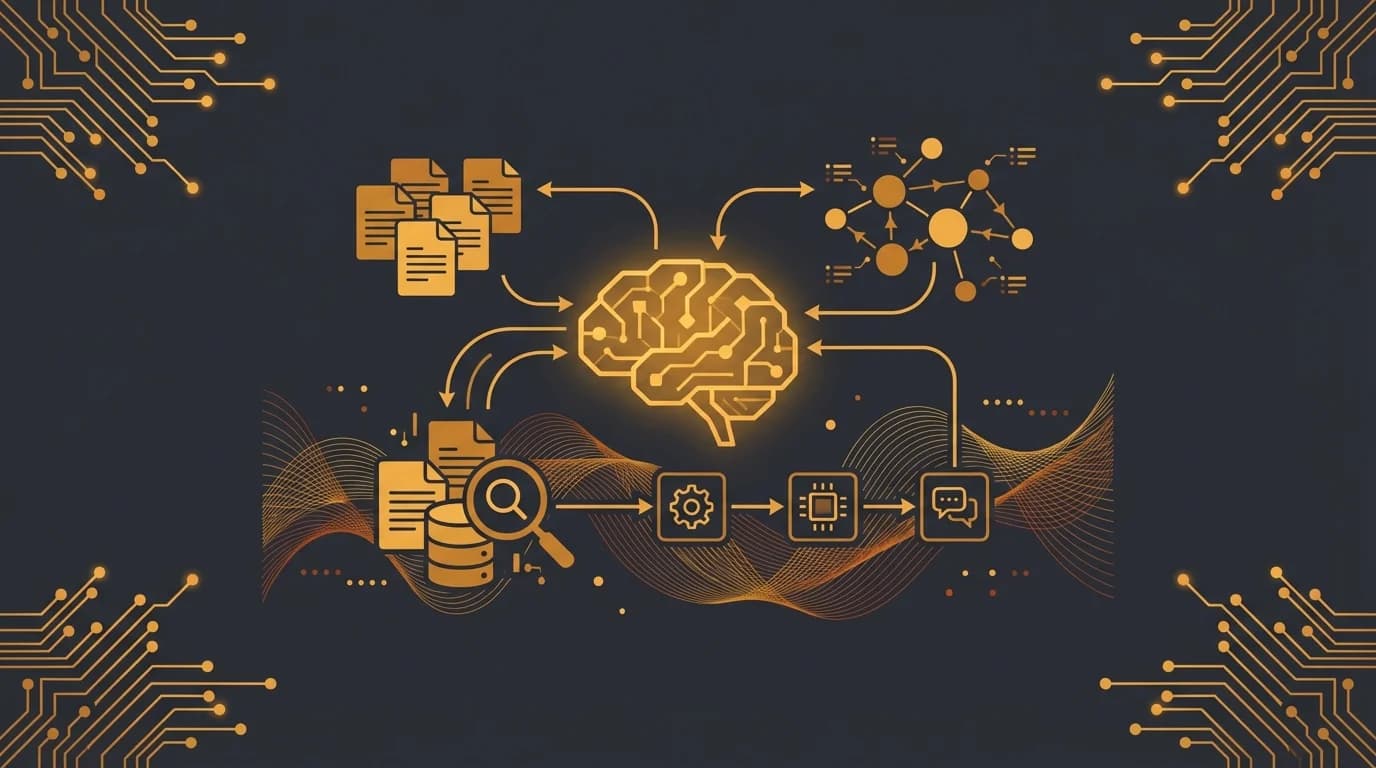
Most people do not need a “knowledge tool.” They need a place where documents, URLs, transcripts, and internal references stop disappearing into five different apps.
That is the job of a knowledge base. It is not your personal note inbox, and it is not a low-level vector-search tutorial. It is the retrieval layer for material you want to ingest, preserve, and reuse across work.
With OpenClaw, you can drop a URL, a PDF, a doc set, or a transcript into a dedicated ingestion flow, store the content with metadata, and query it later with source-aware answers. That makes it useful for team FAQs, product docs, research repositories, onboarding material, customer objections, or founder research that should stay searchable after the original link gets buried.
If your real need is personal capture, start with the second brain workflow. If you want the technical retrieval layer underneath markdown archives, read semantic search. This page is about ingestion plus retrieval of external or shared knowledge.
What a knowledge base is supposed to do
A good knowledge base has three jobs:
- Ingest material from outside your head
- Preserve enough metadata to trust the result later
- Return answers with sources instead of vague guesses
That makes it a different product from a second brain.
A second brain helps you remember what you noted. A knowledge base helps you find what the corpus says.
That corpus might be:
- help-center articles
- internal docs and SOPs
- saved URLs and transcripts
- product documentation
- research PDFs
- customer-facing FAQs
The promise is not “remember everything.” The promise is “turn a messy pile of material into something people can actually query.”
What belongs in the corpus
This page works best when the input material is reference material people will want to query again.
Strong candidates:
- product docs and setup guides
- internal process docs
- meeting transcripts worth preserving
- competitive research URLs
- PDF playbooks, manuals, and specs
- collections of repeated questions and approved answers
Weak candidates:
- one-off personal reminders
- rough thoughts you have not clarified yet
- live project status updates
- everything you ever read with no quality filter
That last point matters. A knowledge base is not a dumping ground. Retrieval gets worse when the corpus is noisy, duplicated, or full of material nobody would search for twice.
Design the ingestion flow before you obsess over search
Most weak knowledge bases fail at ingestion, not retrieval.
The core questions are:
- where does material enter the system?
- what metadata gets attached?
- who decides what is worth keeping?
- how does stale content get replaced?
A practical OpenClaw ingestion prompt looks like this:
Create a knowledge-base workflow for our team.

When content is added from a URL, PDF, transcript, or document:
- fetch and extract the text
- save title, source URL, source type, date added, and owner
- tag the content by topic and business function
- keep a short summary for preview

When someone asks a question:
- search the knowledge base first
- return the best matching passages
- cite the source title and link
- say when the corpus does not contain a reliable answer
That gives you something people can trust. The answer is grounded in the repository, not improvised from a generic model response.
Set up retrieval people will trust
Retrieval quality is not just about relevance score. It is about whether the result feels usable.
For most teams, good retrieval means:
- showing the source title
- linking to the original doc or URL
- returning a short excerpt, not a wall of text
- making freshness visible
- saying “not found” when confidence is low
Example questions:
- “What do we tell prospects who ask about self-hosting?”
- “Where is the latest onboarding checklist?”
- “What did we save about pricing-page experiments?”
- “Which docs mention rate limiting?”
That is different from the second-brain pattern, where the query is more personal and context-driven, such as “What did I note after last week’s call?”
Source types and metadata that matter
You do not need a giant schema, but you do need a few stable fields:
- title
- source URL or file path
- source type
- date ingested
- team or owner
- topic tags
- short summary
Those fields make common workflows easier:
- filter by source type when you only want PDFs or transcripts
- review stale material by ingestion date
- separate internal docs from external research
- trace an answer back to the exact document
Supported content types usually include:
- articles and blog posts
- PDFs and manuals
- video transcripts
- GitHub READMEs and docs
- internal SOPs or wiki exports
- FAQ documents and support macros
If you want each saved URL to carry your own personal reason for saving it, pair the knowledge base with the second brain page instead of forcing one system to do both jobs poorly.
Shared workflows this page is good at
This setup is especially useful when more than one person needs the same answers.
Examples:
Sales and customer-facing teams
Use the knowledge base to store pricing objections, integration notes, implementation timelines, and approved explanations. Retrieval is then about consistency and speed, not personal memory.
Internal operations
Store SOPs, onboarding docs, policy notes, and vendor processes. People can ask for the relevant procedure instead of hunting across Notion, Google Drive, and old Slack threads.
Research-heavy teams
Ingest articles, transcripts, and reference docs into one searchable corpus. That prevents the common “I know we saved something on this, but I cannot find it” problem.
Product and support handoffs
Preserve release notes, bug workarounds, incident summaries, and help-center drafts in one place so teams are not working from outdated answers.
Keep the page boundary clear: second brain vs knowledge base vs semantic search
These three pages should not collapse into the same pitch.
Use the second brain when the workflow starts with personal capture.
Use this knowledge-base page when the workflow starts with ingestion of documents, URLs, and shared reference material.
Use semantic search when the reader wants the technical retrieval layer itself: embeddings, chunking, indexing, syncing, and search behavior over existing archives.
That distinction matters for SEO and for readers. Someone searching for “knowledge base” is usually not looking for a diary, and someone searching for “semantic search” is usually not looking for a general content-ingestion guide.
How ClawRapid makes this easier
The hard part of a knowledge base is not the headline. It is getting the ingestion pipeline, retrieval rules, and source handling into a usable default state.
ClawRapid shortens that setup by giving you:
- a running OpenClaw instance
- a chat interface you can use for ingestion
- a fast starting point for routing and retrieval prompts
- a clean place to build the workflow without wiring infrastructure first
That is more useful than spending a week assembling pieces before anyone can query the corpus.
FAQ
Can this be personal as well as team-facing? Yes, but the page is strongest when the main job is shared or reusable retrieval. Personal capture usually belongs on the second brain page.
How is this different from bookmarks? Bookmarks save pointers. A knowledge base stores extracted content plus metadata, so retrieval does not depend on remembering the exact title, site, or save date.
Should I ingest everything I read? No. Ingest the material you are likely to reuse, cite, or operationalize. A smaller corpus with better signal is usually more valuable.
Can the answers include citations? They should. Source title, URL, and relevant excerpt make the system more credible and easier to audit.
What if I need better search quality later? Then add the lower-level retrieval layer from semantic search. That page is where embeddings, chunking, and indexing become the main topic.
What to build next
The next step depends on the weak point in your current workflow:
- Add semantic search if you need more technical control over retrieval quality and indexing.
- Add a second brain if you also want to preserve personal notes and context alongside the corpus.
- Add project tracking if your problem is not document retrieval but status visibility across active work.
The cleanest knowledge bases win because they stay focused on corpus ingestion and source-aware retrieval. They do not try to become every other productivity system at the same time.
Sources
Read next
Which agent do you want to deploy?
The battle-tested assistant, extensible with 16,000+ skills.
Which model do you want as default?
Low token prices with Max reasoning. You can also connect a ChatGPT subscription that includes this model.
You can switch anytime from your dashboard
Which channel do you want to use?
You can switch anytime from your dashboard
In 60 seconds, your AI agent is live.
Related articles

Add Semantic Search to OpenClaw Memory and Markdown Archives
Add semantic search to OpenClaw memory and markdown archives with embeddings, chunking, hybrid retrieval, and a developer-friendly indexing workflow.

OpenClaw Morning Brief: Daily Priorities, Agenda, and Follow-Ups
Build an OpenClaw morning brief that rolls up calendar, deadlines, follow-ups, and high-priority signals into one daily operating plan.

Build a Personal Second Brain with OpenClaw: Capture First, Organize Later
Use OpenClaw as a personal second brain for fast note capture, saved links, reminders, and lightweight recall across your own messages and memories.