
OpenClaw for Freelancers: Client Intake, Follow-Up, and Admin Relief
Use OpenClaw as a solo-operator assistant for client intake, follow-up, lightweight CRM, scheduling, and admin reduction.

Jean-Elie Lecuy
|Founder of ClawRapid
SaaS builder writing about OpenClaw, AI agents, and agentic coding, with one goal: make powerful tooling actually usable.
Freelancers do not usually need a big automation stack. They need fewer dropped inquiries, fewer forgotten follow-ups, and less time spent rebuilding context from old chats, email threads, and unpaid admin.
That is why OpenClaw fits solo operators well. The useful version is not "an AI that does everything." It is a small operating layer that helps with intake, scheduling, reminders, project updates, and the repetitive client messages that keep eating the first and last hour of the day.
This page is about that solo workflow. If you need a broader front-of-funnel qualification system, read OpenClaw Lead Generation Setup. If your business now looks more like a structured sales pipeline than a solo practice, read OpenClaw Sales Assistant. For freelancers, the main win is simpler: protect billable time without letting inbound demand go cold.
This is a solo-operator problem, not a sales-team problem
Most freelancers lose money in small leaks:
- inquiries arrive while they are on client work
- follow-ups happen from memory instead of a system
- scope questions get answered three different ways in three different chats
- project updates wait until the client asks for one
- invoices and reminders go out late because delivery work comes first
None of that looks dramatic in isolation. Together, it turns a one-person business into a constant context-switching machine.
OpenClaw helps when you use it to stabilize the day-to-day operating work around client conversations, not when you try to turn a freelance business into a fake enterprise workflow.
Where OpenClaw helps freelancers most
1. Turn inbound messages into usable client briefs
A freelancer usually gets messy inbound demand, not clean leads.
One prospect sends a five-line Telegram message. Another asks for a quote through WhatsApp. Another replies to an old email with "still interested, are you available next month?"
OpenClaw can turn those messages into a repeatable intake flow:
- identify the service requested
- collect budget range, deadline, and scope basics
- ask for the material you always need before quoting
- summarize the request in a format you can actually review later
- route weak-fit inquiries to a polite no or a better-fit offer
This is especially useful for designers, developers, copywriters, and marketers who do not need a full CRM, but do need fewer half-qualified conversations on their calendar.
2. Keep follow-up moving when delivery work takes over
The classic freelance mistake is simple: you reply fast at the start, then a live project gets busy and the next follow-up slips.
OpenClaw is useful here because it can keep light commercial motion alive without pretending to be a full SDR system:
- remind warm prospects who asked for a proposal
- follow up after a discovery call with the agreed next step
- reopen stalled conversations with the original context
- answer the repetitive "just checking availability" questions while you are heads-down
If follow-up is the main commercial bottleneck and your cycle is becoming more structured, the deeper playbook is OpenClaw Sales Assistant. For most freelancers, though, the practical goal is simply to stop losing decent-fit work because delivery consumed the week.
3. Run a lightweight CRM without buying a heavyweight tool
A lot of solo operators do not need HubSpot. They need a reliable memory.
OpenClaw can act as a thin coordination layer around:
- who contacted you
- what they asked for
- whether they got a quote
- whether a call was booked
- whether the next step is waiting on you or on them
That is enough to reduce the "Where did this lead come from again?" problem that makes freelance follow-up inconsistent.
For freelancers, lightweight CRM usually beats elaborate automation. The win comes from a clean summary, a clear next action, and fewer lost threads.
4. Reduce admin around scheduling, invoices, and status updates
Solo businesses do not just lose time on lead handling. They lose time on the operational tail after work starts.
OpenClaw can handle:
- booking intro calls and check-ins through a chat flow
- rescheduling without forcing you into manual back-and-forth
- sending project-status updates from a simple progress source
- nudging clients when approvals or materials are missing
- reminding clients about unpaid invoices or upcoming milestones
If appointment volume is the main issue, the broader setup guide is AI Appointment Booking. On a freelance page, the point is narrower: remove the repetitive admin that steals focus from paid work.
5. Protect your day when you are unavailable
Freelancers often look unresponsive for perfectly normal reasons:
- they are in workshops
- they are on calls
- they are traveling
- they are doing deep work
- they took a few days off and forgot that inquiries never stop
OpenClaw gives you a clean way to stay responsive without being permanently online. It can explain your availability, collect what matters, offer the next open slot, and keep the conversation warm until you step back in.
That makes a bigger difference than generic "productivity" advice because freelance credibility is often tied to responsiveness.
A realistic freelance setup
The best freelance deployments are small and opinionated.
Start with:
- one primary channel, usually Telegram or WhatsApp
- one intake flow for your main service
- one booking rule for intro calls
- one summary format for incoming requests
- one reminder cadence for quotes and unpaid invoices
Do not start by documenting every edge case. Start with the conversations you already repeat every week.
Examples of strong first deployments:
- a web designer qualifying small-business website requests and booking calls
- a copywriter collecting launch date, channel mix, and deliverables before quoting
- a freelance developer sorting "bug fix," "retainer," and "new build" inquiries into different next steps
- a no-code operator chasing missing assets and approvals without sending manual reminders all day
What freelancers should measure
Freelancers do not need a dashboard full of vanity metrics. They need signs that the assistant is reducing drag.
Useful measures:
- response time to new inquiries
- percentage of inquiries that reach a clear next step
- time from first message to booked call or quote
- number of follow-ups sent on time
- unpaid invoice age
- admin hours recovered each week
The most useful question is simple: did the assistant create more billable time without making your communication feel generic?
When this is worth deploying
OpenClaw is worth it for freelancers when:
- you get enough inbound messages that manual intake is inconsistent
- you often follow up late because client delivery takes priority
- you are repeating the same scope, pricing-range, and availability answers
- you want something lighter than a full sales stack
It is less useful if you only get a few inquiries per month and already handle them cleanly.
A better operating layer for a one-person business
Freelance work gets messy when the craft, the sales work, and the admin all live in the same brain. OpenClaw is useful because it takes some of that operational load out of your head and turns it into a repeatable client flow.
That makes this page different from the broader business and sales guides. The goal is not to build a perfect commercial machine. The goal is to help a solo operator respond faster, follow up more reliably, and spend more of the week on paid work.
If you want the wider decision framework, go to OpenClaw for Business. If you want a broader catalog of vertical deployments, use OpenClaw Use Cases. If you are ready to make freelance intake and follow-up less fragile, deploy your freelancer assistant with ClawRapid.
Which agent do you want to deploy?
The battle-tested assistant, extensible with 16,000+ skills.
Which model do you want as default?
Low token prices with Max reasoning. You can also connect a ChatGPT subscription that includes this model.
You can switch anytime from your dashboard
Which channel do you want to use?
You can switch anytime from your dashboard
In 60 seconds, your AI agent is live.
Related articles
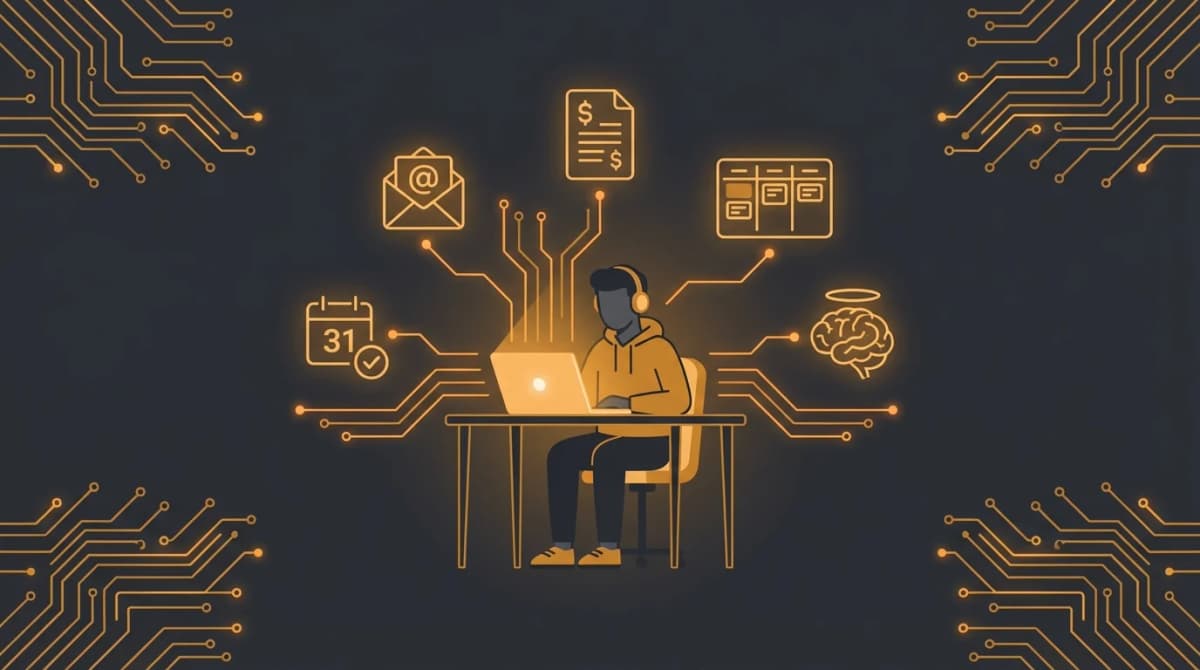
AI Assistant for Freelancers: One System Instead of Ten Tabs
Why freelancers need a unified AI assistant instead of 10 fragmented tools. Invoicing, client comms, prospecting, and time tracking in one place.

OpenClaw for Real Estate: Automate Lead Capture and Property Showings
How real estate agents use OpenClaw AI to qualify leads, book property showings, and follow up with clients 24/7. Deploy in 60 seconds with ClawRapid.
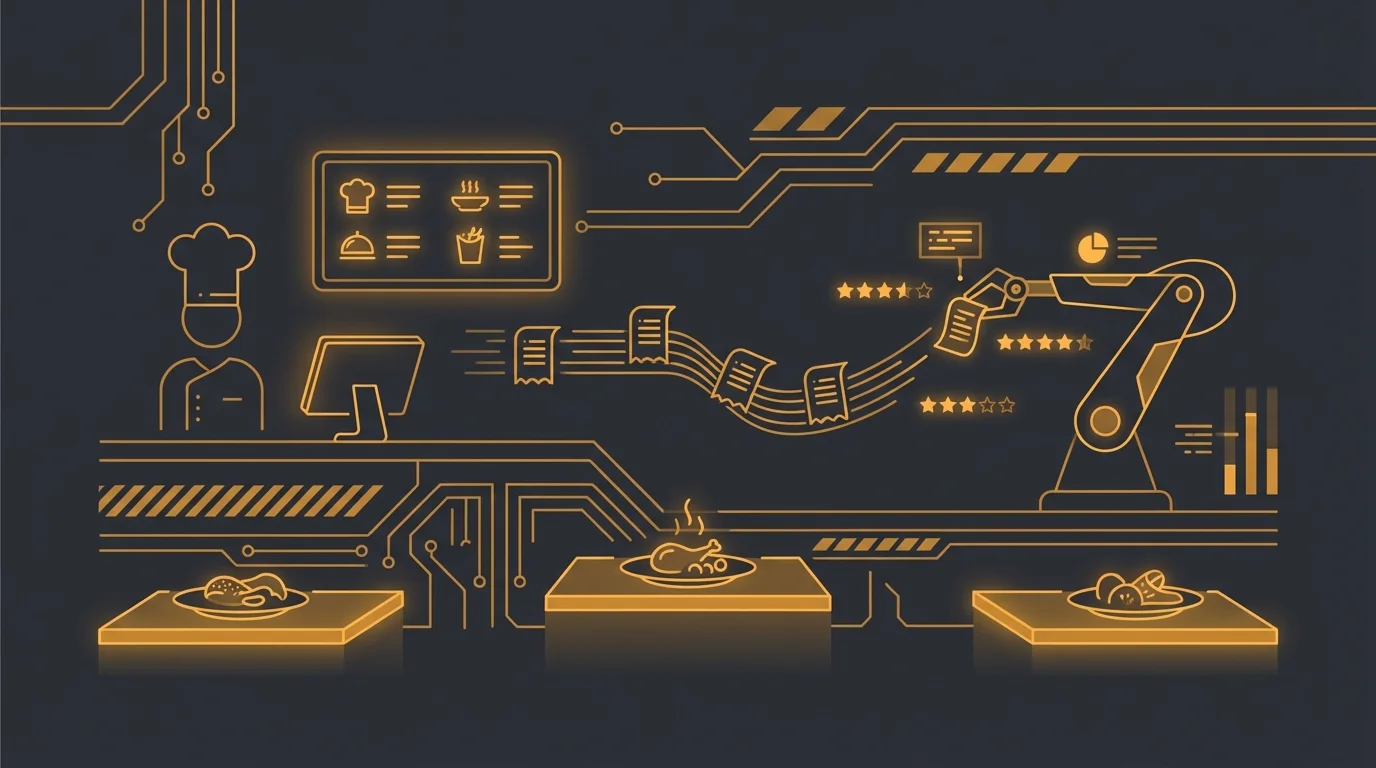
OpenClaw for Restaurants: Reservations, Reviews, Orders, and Daily Specials
How restaurants use OpenClaw AI for automated reservations, Google review management, daily menu updates, and order taking. Deploy with ClawRapid in 60 seconds.